


 RU
RU
A TRON wallet lets you manage TRX and tokens issued on this network. Through it you can receive cryptocurrency, send transfers, swap assets and control operations.
You can create TRON wallet addresses in different apps that support the Tron network.
In this article, we'll explain what a wallet for TRON is, how such wallets differ, how to choose a suitable option and how to create a TRON wallet with a new address, using TR.ENERGY Wallet as an example.
What Is a TRON Wallet?
A Tron wallet is a solution (service) for working with cryptocurrencies on the TRON network. With its help, a user can manage a balance of TRX, TRC-20 standard tokens and memecoins built on the popular blockchain. Many solutions also support crypto swaps, connection to dApps and other operations inside the ecosystem.
A wallet is not a separate storage of coins. Balance information is recorded on the TRON blockchain, and the app gives the user the ability to manage their assets. So before you learn how to make a TRON wallet, look not only at the interface but also at how data is stored, which functions are available and how convenient transfers are.
How to Create a TRON Wallet?
You can create TRX wallet in a few clicks. Let's take TR.ENERGY Wallet as an example. It is a non-custodial wallet designed for managing cryptocurrency and working with assets on different networks. Its architecture is built on the TRON ecosystem, and the app lets you create a new TRON wallet or import an existing one.
Here is how to create a TRON wallet step by step:
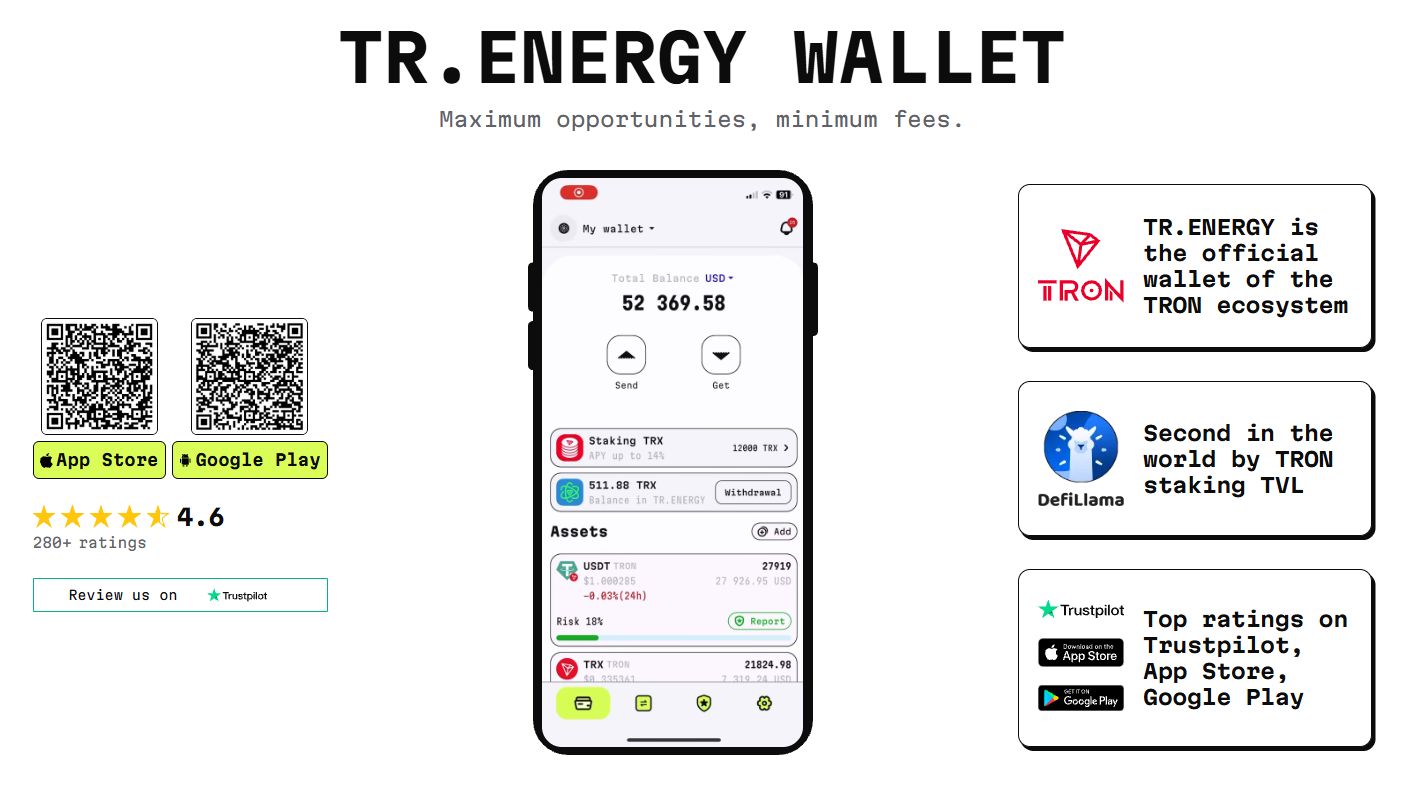
Step 1. Install TR.ENERGY Wallet
Download the TR.ENERGY Wallet app from Google Play or App Store and launch it. On the start screen, choose to create a new wallet.
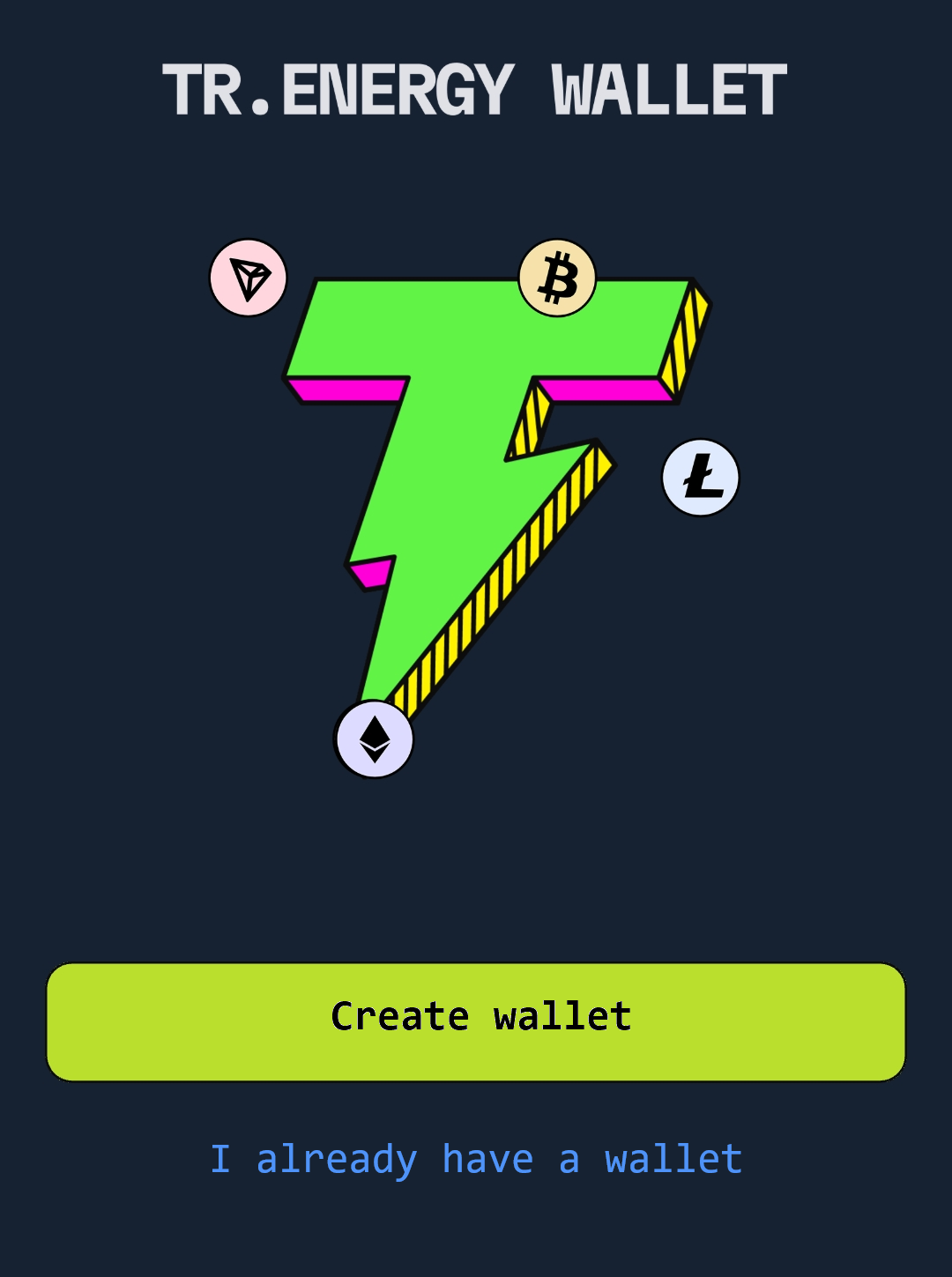
Step 2. Create a new wallet
Tap "Create wallet" and follow the app's prompts. If a wallet was already created earlier and needs to be restored, use the separate "I already have a wallet" option. In that case, you will need to use the seed phrase.
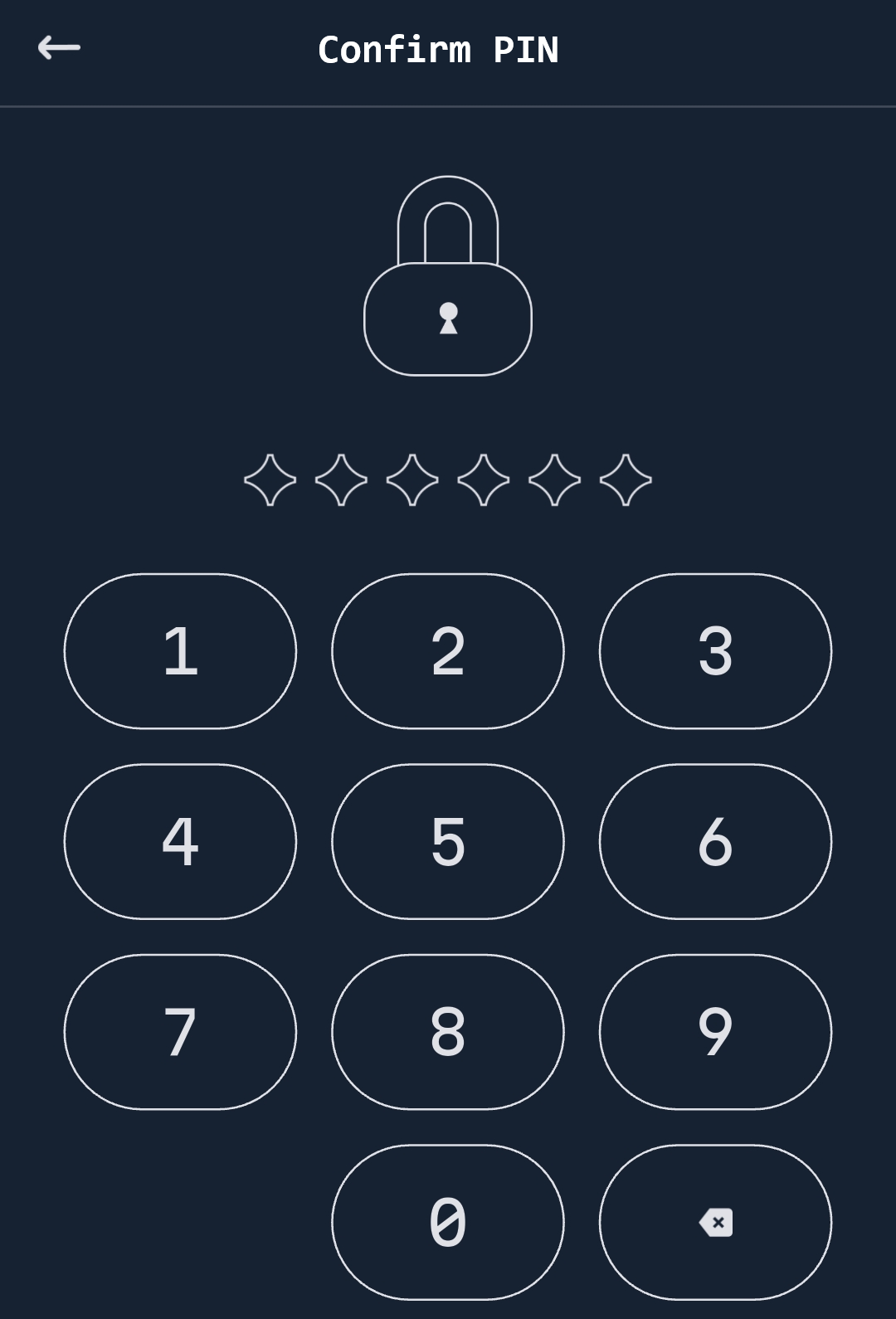
Step 3. Create a PIN code
Enter the code that will be required to confirm transfers and manage the wallet's funds.
Step 4. Save your recovery data
When a new wallet is created, the app provides a recovery seed phrase. It must be saved in a safe place and not shared with other people. It is used to restore access to the wallet, so it must not be sent in messengers or entered on third-party websites.
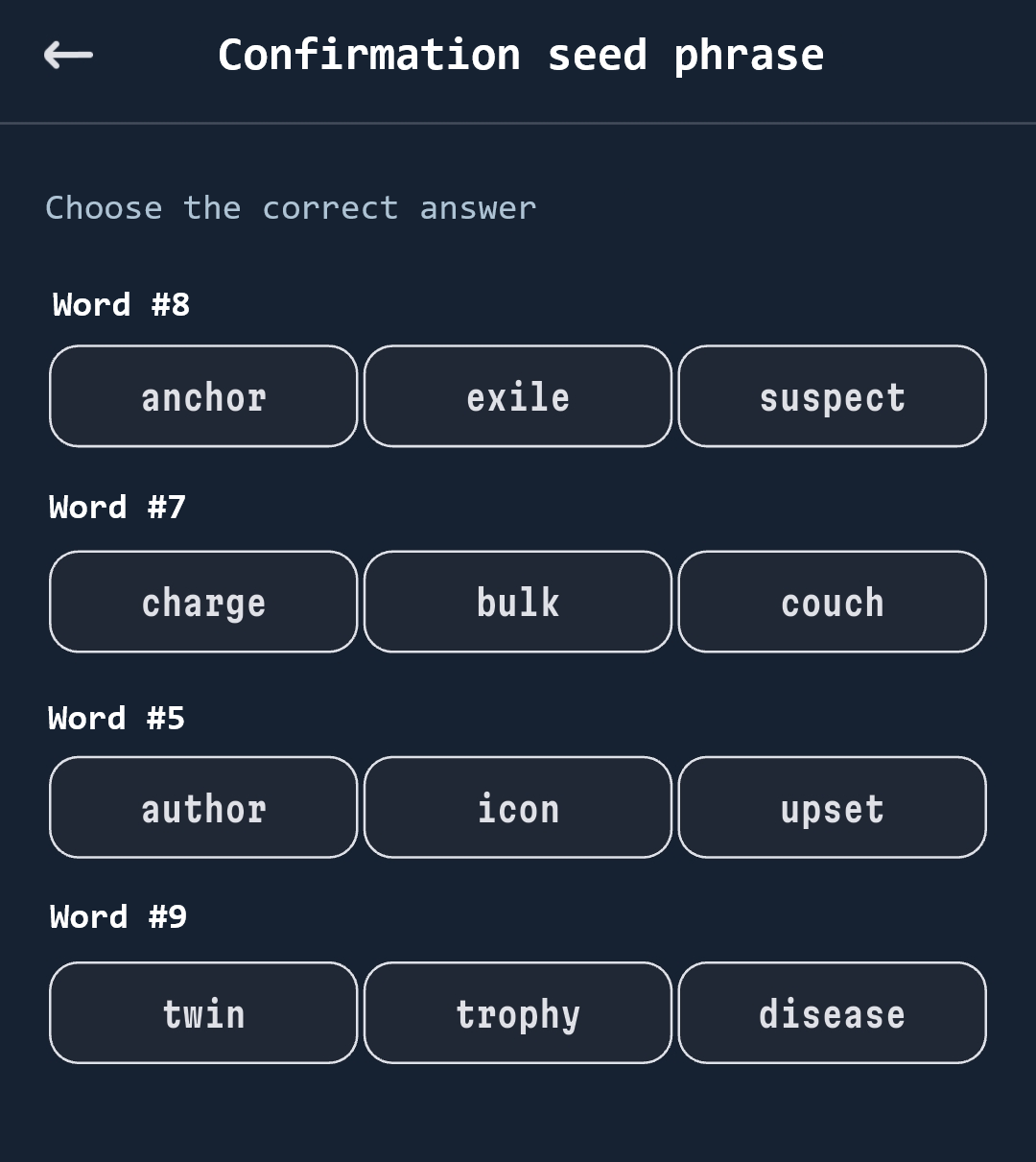
Step 5. Confirm the seed phrase
After saving the seed phrase, be sure to confirm the wallet creation by entering a few verification words from the phrase.
Now you know how to create TRON wallet account in TR.ENERGY Wallet, and your wallet for managing TRON assets is ready to work. You can open the network you need, see the available assets and go on to receiving or sending cryptocurrency.
However, it is not enough to create TRX wallet: it is important to understand how to use the address afterwards and check operations. The next step after registration is to find your address and make sure it is exactly the one you give out to receive funds.
How to Find Your Wallet Address?
A TRON address is needed to receive cryptocurrency. It is public data, so you can give it to a sender, an exchange or another service that has to send you assets. All TRON network addresses usually start with the letter T. For example, TQm8x7K9vP3LzN2aBc4Df6Gh5Jk8Lm1Np (just a sample set of characters).
On the main screen of TR.ENERGY Wallet, tap "Receive". Then select an asset, USDT or TRX. Tap "Next".
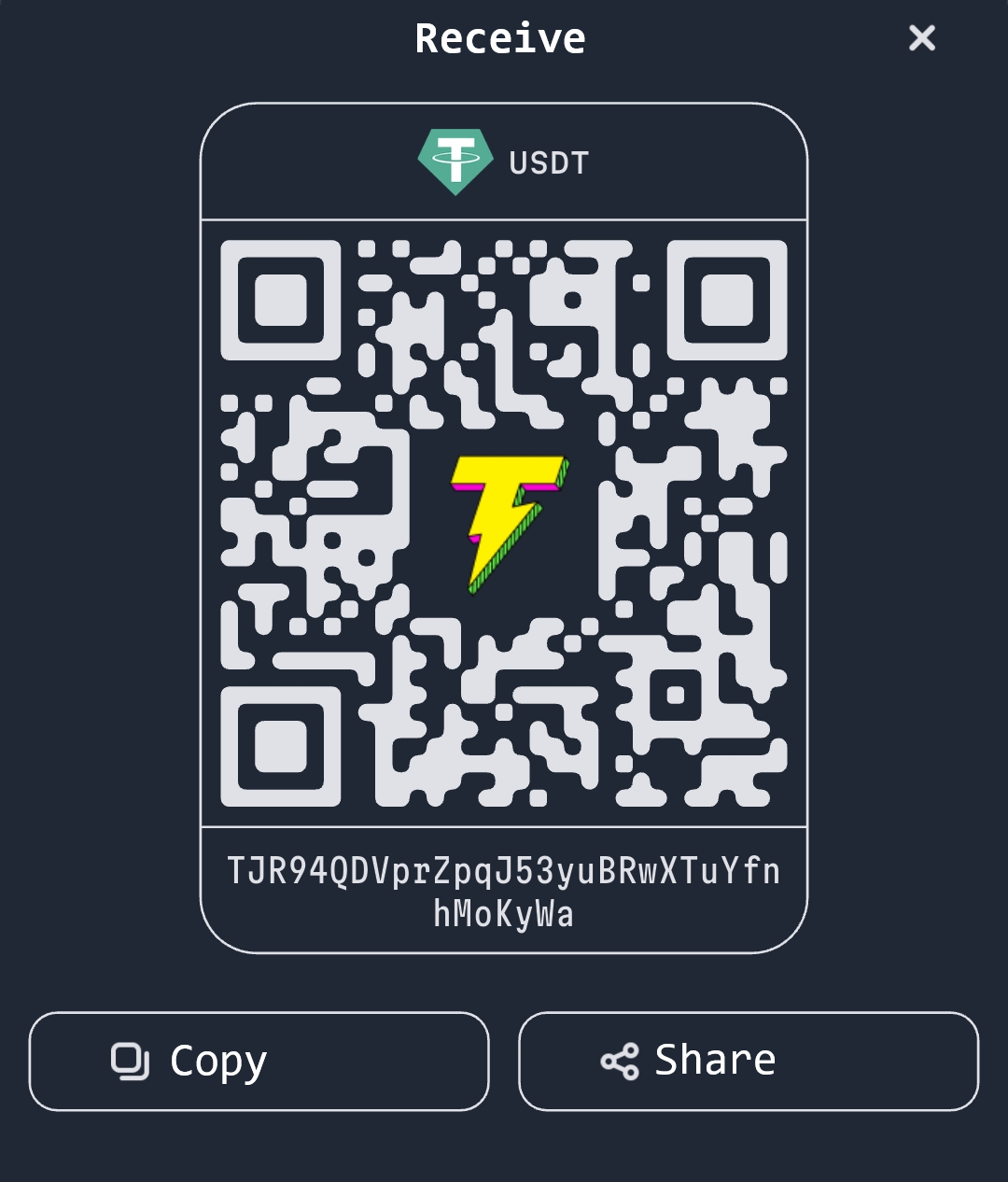
The app will show the wallet's public address. A QR code for receiving payments will also appear on the screen.
Now you can copy your wallet address or tap "Share" to send it to the sender.
How to Send or Receive Money on Your TRX Wallet?
Working with cryptocurrency through a TRON wallet usually comes down to two operations: receiving assets to your address or sending them to another user. Learning how to make a TRON wallet is only half the job.
In any app, you first need to choose the coin and network, then check the recipient's address or copy your own address for a top-up. For USDT, it is especially important to make sure the TRON network (TRC-20) is used, since the same stablecoin exists on different blockchains.
To send tokens via TR.ENERGY Wallet, you need to:
- In the main menu, select the asset you need, for example "USDT".
- Tap "Send".
- Enter the transfer amount and the recipient's wallet address.
Confirm the transfer.
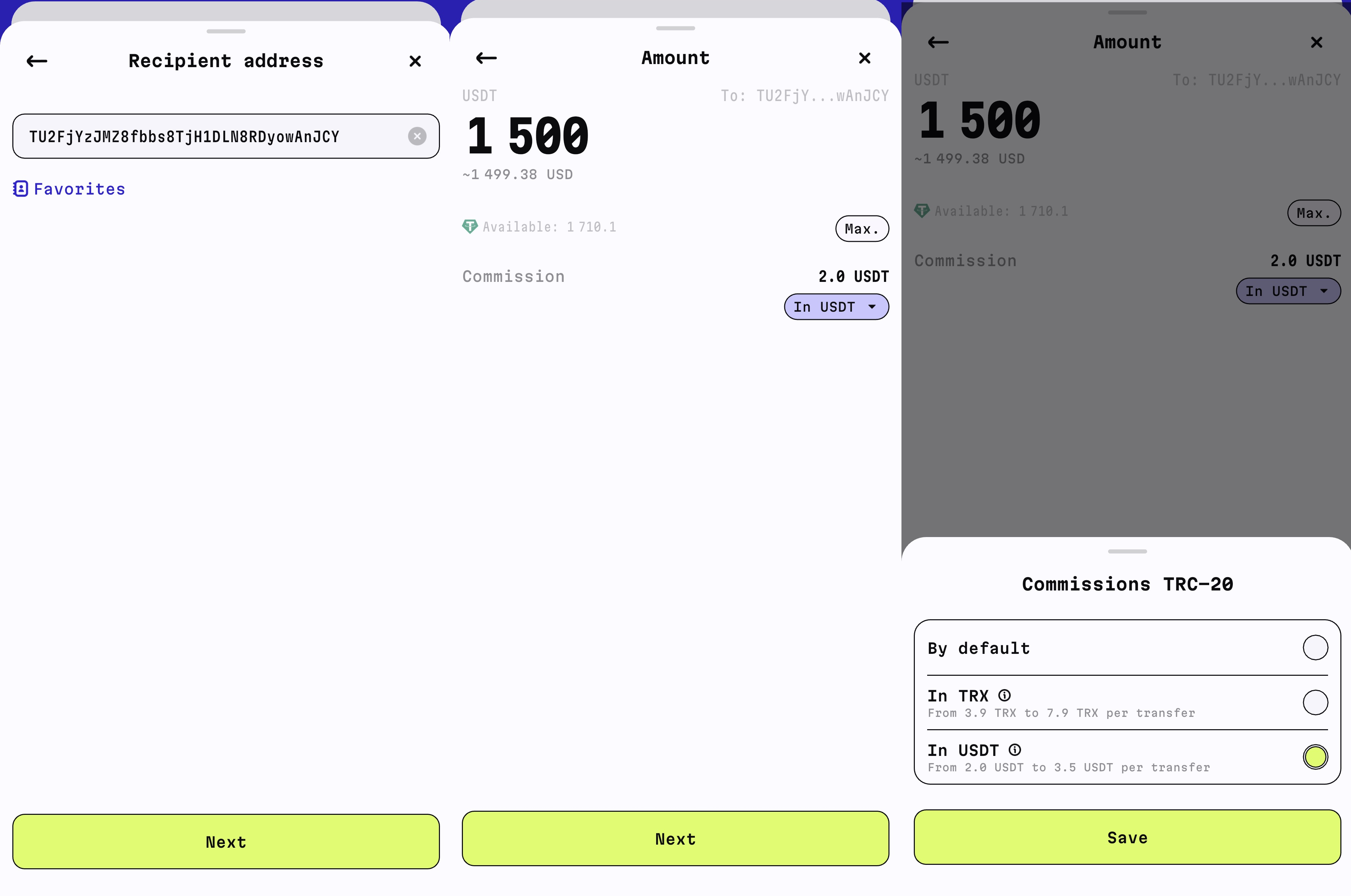
Note that TR.ENERGY Wallet lets you choose to pay fees for TRON and EVM assets in USDT. That means you don't have to keep native tokens of blockchains on your balance.
Another feature of this wallet is that it lets you save on USDT TRC20 transfers. It includes an energy rental option. That is, you can reduce the cost of sending stablecoins by covering the fee with TRON energy.
How to Receive Cryptocurrency
To receive TRX, USDT TRC-20 and other tokens in TR.ENERGY Wallet, open the app and select the asset you need. Tap "Receive" and copy the address shown. After that, you can send it to a person or paste it into the withdrawal field on an exchange.
If you decided to create TRX wallet for regularly receiving payments, it is convenient to save your address in advance or use the copy function right in the app.
Features of TRX Wallets
The network uses two resources: Energy and Bandwidth. Energy is needed for smart contract operations, including TRC-20 token transfers. Bandwidth depends on the size of the transaction. If resources are insufficient, the missing part is paid in TRX.
So a TRX wallet can not only store cryptocurrency but also help control expenses. Energy can be obtained through TRX staking or delegation. Resources can also be rented through special services. This is convenient for those who regularly send Tether.
This model is available in TR.ENERGY Wallet. In the app you can store and swap cryptocurrency and also buy energy to save on USDT TRC20 transfers.
Another TR.ENERGY Wallet feature is buying transaction packages.
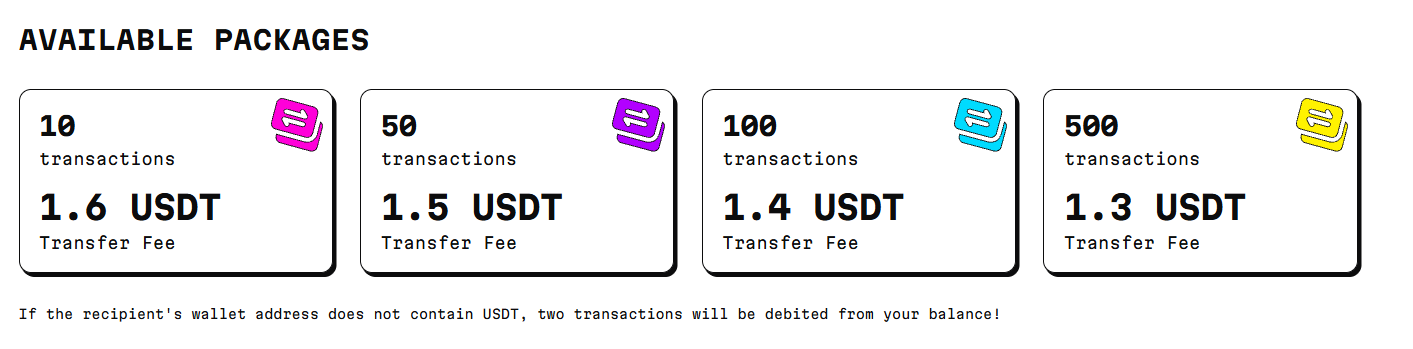
Different options are available:
- 10 transactions at $1.60 per USDT TRC20 transfer;
- 50 at $1.50 per USDT TRC20 transfer;
- 100 at $1.40 per USDT TRC20 transfer;
- 500 at $1.30 per USDT TRC20 transfer.
The larger the package, the lower the cost of a single operation. For example, with a package of 50 transfers, each transfer costs $1.50.
The number of transactions deducted also depends on the state of the recipient's wallet. If it has no USDT, two transactions are deducted from the sender's balance.
Another option is TRX staking. TR.ENERGY Wallet also lets you earn income on staked TRX. The yield depends on current conditions and the situation on the TRON network, so the APY may change. The current yield in TR.ENERGY Wallet is 10–14% per year.
Thus, a TRX wallet can be used not only for storing and swapping cryptocurrency. It also helps manage TRON resources, pay for operations and control the cost of TRC-20 transfers. This is especially convenient for users who regularly work with USDT.
Conclusion
A TRON wallet is a convenient tool for managing TRX, USDT TRC-20 and other assets on the network. With it, you can receive and send cryptocurrency, monitor your balance and make swaps without constantly switching between different services.
If you need to create TRON wallet for everyday use, it is enough to choose a suitable app, set it up quickly and save your recovery data to restore access. After that, all that remains is to top up your balance and use the address to receive funds.
When choosing a wallet, consider not only TRON support. The convenience of the interface, swap options, fee handling and the tools available for managing assets are important.
Specializing in the TRON ecosystem and in-depth analysis of TRX staking, energy rental, and USDT TRC‑20 fee optimization. I help users and businesses efficiently manage digital assets, delegate energy, and work with non-custodial wallets.