


USDT Wallet (TRC20, ERC20)
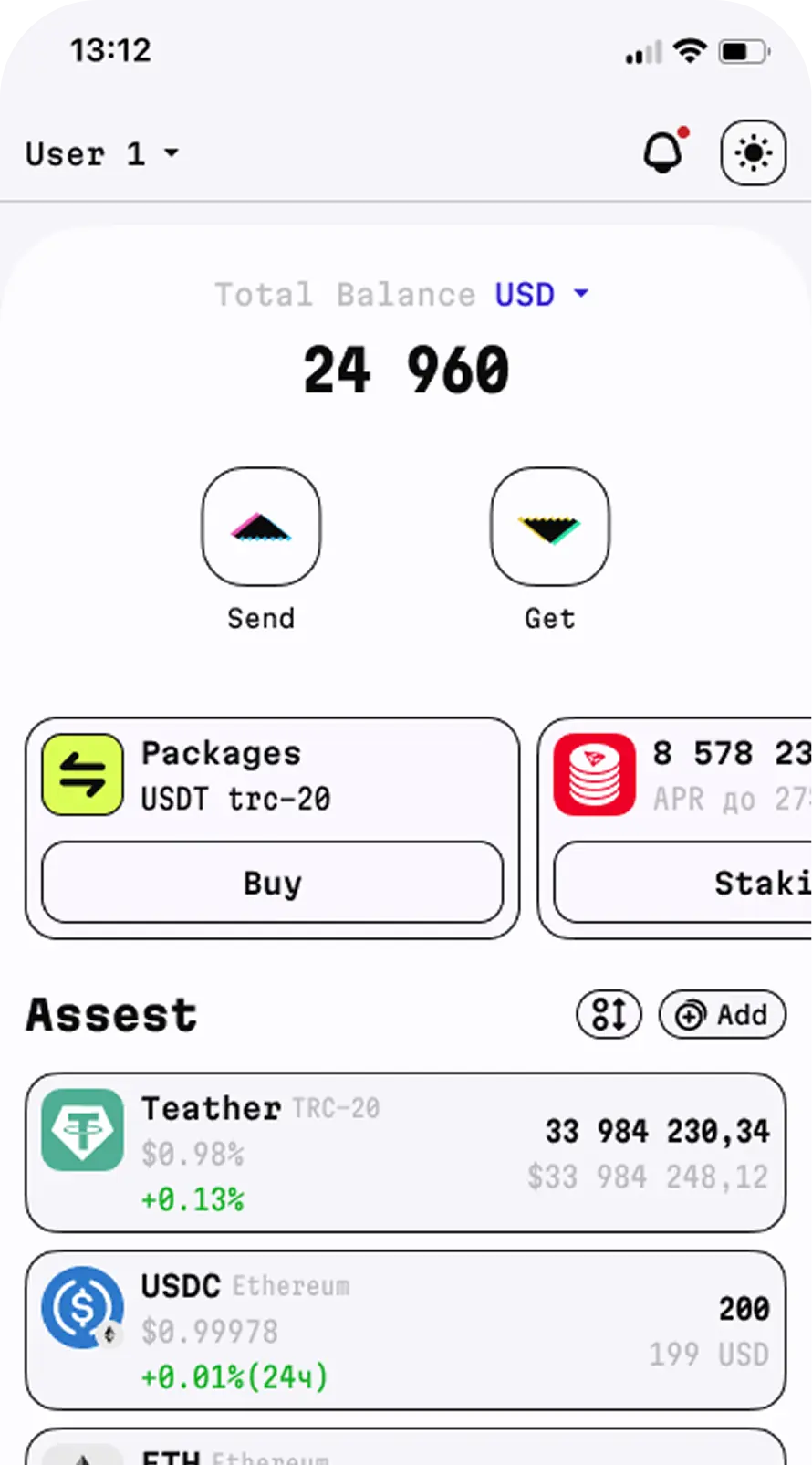
TR.ENERGY Wallet for Tether is a non-custodial USDT wallet that lets you store, receive, send and swap USDT. Our wallet keeps control of your private keys and seed phrase for Tether on your side.
The app works as a TRC20 wallet for USDT on TRON and also supports several other networks, including Ethereum (ERC20), BNB Smart Chain (BEP20) and EVM-compatible networks. Choose the right option for your USDT transfers, then download the app to your smartphone.




What Is a
USDT Wallet?
Tether (USDT) is a stablecoin whose price is pegged to the US dollar (USD), hence the name. It is used for transfers, payments and exchanges between users.
A USDT wallet is an app or device that lets you receive, send and manage USDT tokens on supported blockchains.
To manage USDT, you need an interface that gives you access to your funds on the blockchain. TR.ENERGY Wallet is the most reliable USDT crypto wallet for accessing transfers, receiving USDT payments and swapping them for other cryptocurrencies.
Advantages of the TR.ENERGY USDT Wallet
Here are the main features:
Download the USDT Wallet
How to Create a USDT Wallet
Installing and setting up the wallet is easy. To do so:
- Download and install TR.ENERGY Wallet from the official app stores
- Launch the app on your smartphone
- Create a PIN code to protect access
- Save your seed phrase and keep it in a safe place
- Your USDT wallet is created automatically
Do not share your seed phrase with other people and do not enter it on third-party websites.
Once the wallet is set up, go to the USDT assets section and tap “Receive”. TR.ENERGY Wallet will show the public wallet address for receiving funds.
Before sharing the address, check which blockchain the sender uses. For example, a USDT TRC20 transfer requires compatibility with TRON, while ERC20 requires compatibility with Ethereum. Choosing the wrong network may lead to a loss of funds or a complicated recovery process.

Send USDT Without TRX in TR.ENERGY Wallet
Transferring USDT TRC20 usually requires TRON network resources: Energy and Bandwidth. Bandwidth is used to process transaction data, while energy is consumed when executing smart contract operations.
If the required resources are insufficient, the network will require payment in TRX. So having USDT on your balance does not mean you can make a transfer without additional funds. The fee amount depends on the operation parameters and the available resources.
Available ways to solve this problem include staking TRX or buying TRON energy. However, both require additional costs.
TR.ENERGY Wallet streamlines the transfer process: as a TRC20 wallet, it lets you choose to pay the fee in USDT when sending USDT TRC20. You enter the amount and the recipient’s address, review the terms and confirm the transfer. There is no need to buy TRX separately for such a transaction.
Paying for USDT transfers in USDT is possible not only on TRON. Our wallet supports this functionality in EVM networks as well. You can pay the fee in USDT on blockchains such as BNB Smart Chain, Ethereum, Arbitrum, Base, Optimism and Polygon.
Advantages of Sending USDT via TR.ENERGY Wallet:
To Send USDT Without TRX, You Need To:
- Open the wallet and go to the “USDT” assets section
- Tap “Send” and enter the recipient’s wallet address
- Enter the transfer amount and select the option to pay the fee in USDT
After that, simply confirm the transaction.
Security
and Protection
TR.ENERGY Wallet is a non-custodial solution. Users are responsible for keeping their secret phrase safe, as well as the devices they use to manage their assets. A USDT crypto wallet only stays secure if you protect your access to it.
To reduce risks:
- store your seed phrase separately from your smartphone;
- do not send secret words in chats or by email;
- check the recipient’s address before every transaction;
- download updates from official app stores;
- do not confirm operations whose meaning is unclear to you.
Also keep in mind how blockchains work. A confirmed transfer usually cannot be reversed through the app, so carefully check the amount, address and network.
When choosing a USDT wallet, it is important to consider not only how convenient the interface is, but also transfer costs. TR.ENERGY Wallet combines the core USDT operations with tools for managing fees on TRON.
In the app, you can receive and send stablecoins, swap available assets and manage funds across supported networks. For regular transfers, this USDT TRC20 wallet offers energy rental, which helps cut costs compared with paying for every operation without additional resources.
The service also offers additional tools, including checking addresses and transactions for AML risks on supported blockchains. The result of such a check helps assess possible risks, but does not by itself guarantee the safety of the operation.
TR.ENERGY Wallet is a good fit for those who need a single interface for everyday work with cryptocurrency. Before using a particular feature, check its availability in the app and the terms of the operation.
FAQ
- What is a USDT wallet and why is it needed?
- How do I send USDT if I have no TRX in my wallet?
- What is the difference between USDT TRC20 and ERC20, and which network should I use?
- How do I find my USDT wallet address?
- Can I install the USDT wallet on iOS or Android?
What is a USDT wallet and why is it needed?
